

Email attachment
The report is attached to an email and sent to the recipients you choose.
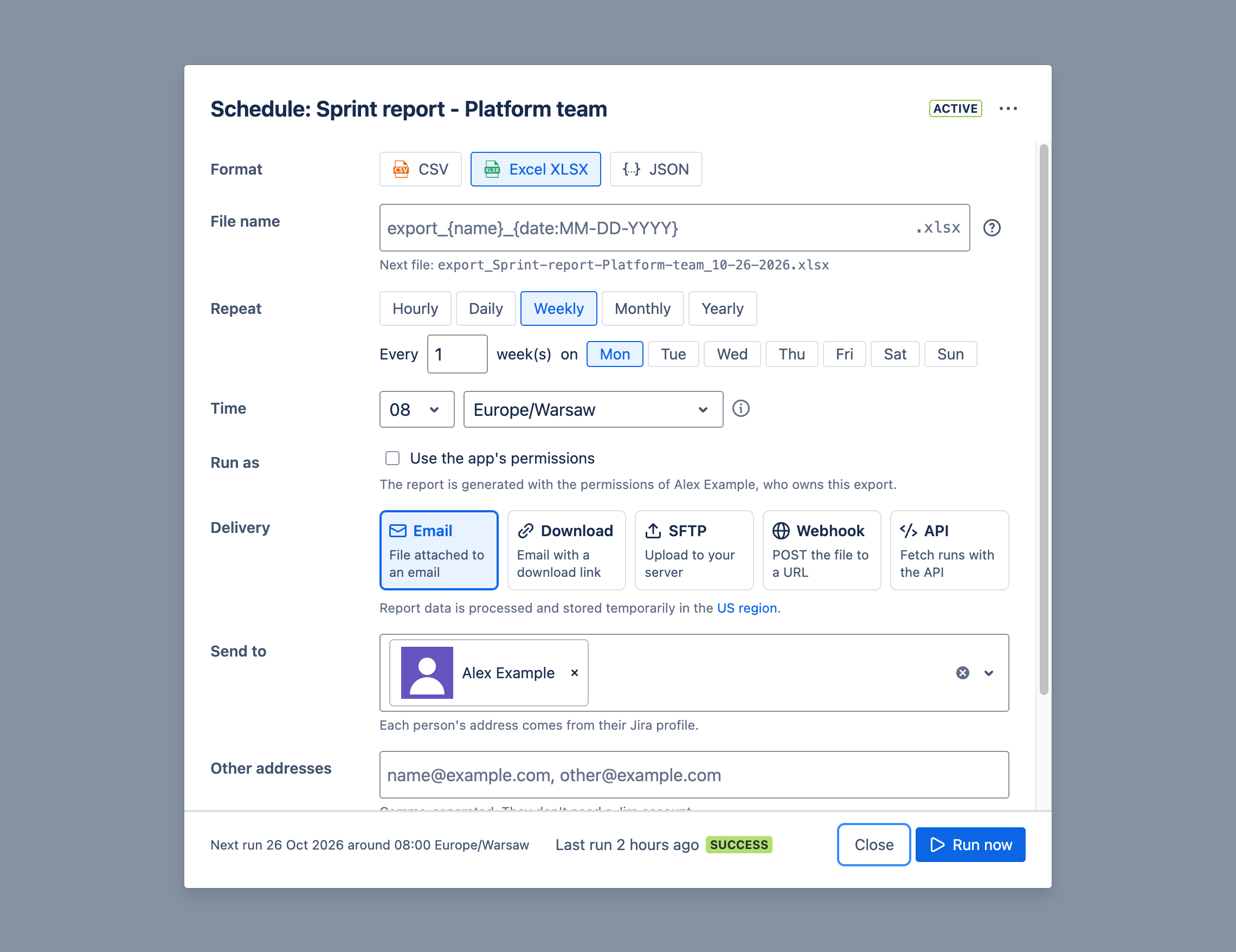
- Send to: Jira users. Each person’s address comes from their Jira profile.
- Other addresses: any email addresses, separated by commas. They don’t need a Jira account. Your admin can allow or block AI agents sending to them.
- Zip the file: attach the report as a ZIP file, typically 10 times smaller.
- Subject and message: your own text, with placeholders such as the number of rows. See Templates.
An attachment can be up to 25MB. If your reports are bigger, zip them, or use a download link.